
- The primary purpose of any GPSr is to locate your present position with some acceptable degree of accuracy.
- Recording this information over a period of time, the GPSr can provide useful information regarding your past journey.
- Plotting the optimum path between two locations is most efficient with access to relevant cartographic information.
- More versatile than a traditional paper version, the Map page can help you plot your future, and never needs re-folding!
- Tip: Read An Introduction to using Garmin GPSr with paper maps to learn how both can be used together.
Map Controls
Map Orientation
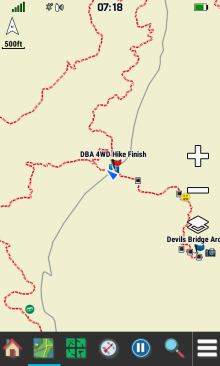
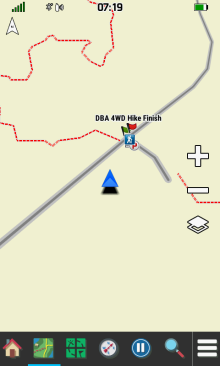
- When configured for
Track Up, selecting
 will cycle the Map display between Track Up and North Up directly from the map screen.
 - When configured for
North Up, the
North arrow is not displayed on the map.
- When configured for
Automotive Mode,
the
North arrow is displayed while providing no additional functionality.
- Place two fingers on the screen and rotate the map to any orientation as desired.
- Drag a finger across the screen to pan the map location in the desired direction.
-
Select
 to
reset the map display to your current location.
to
reset the map display to your current location.
 |
 |
 |
 |
|---|---|---|---|
| North Up | Track Up |
Track Up -
North Up
Selected |
Automotive Mode |
Map Scale
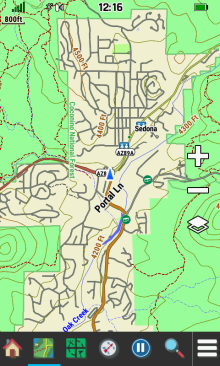
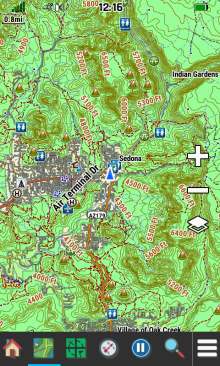
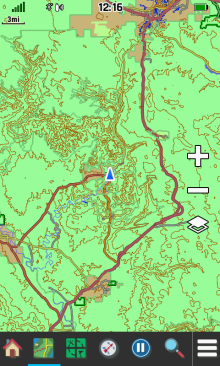
- Use

 to zoom in/out on the map, or
 -
Use two fingers to
 spread (zoom in) or
 pinch (zoom out) the map screen.
 |
 |
 |
 |
|---|---|---|---|
| 800 ft. | 0.8 mi. | 3 mi. | 8 mi. |
Map
Layers
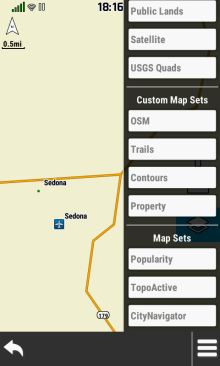
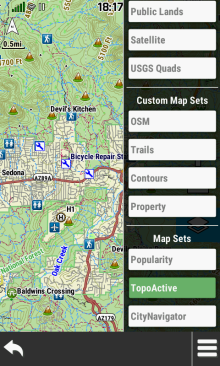
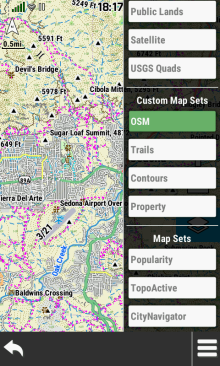
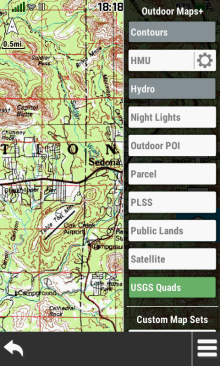
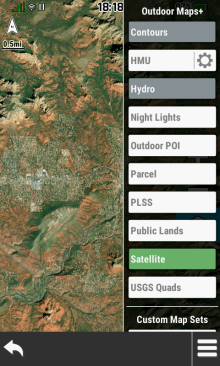
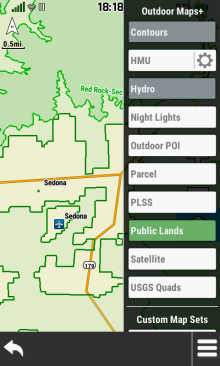
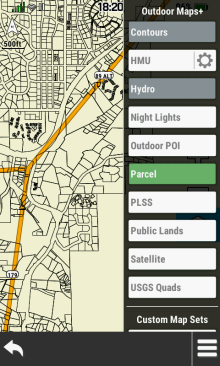
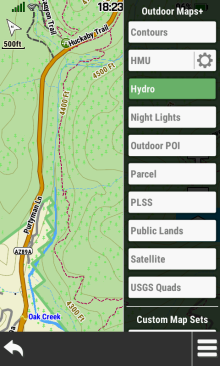
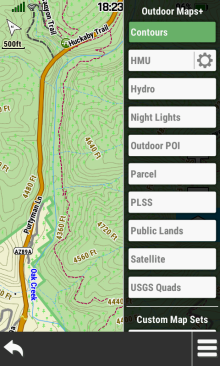
- Enable or disable available map sets and or map layers directly from the Map page.
- Additional map layer options are available only on devices with an active Outdoor Maps+ subscription.
- The Contours and Hydro map layers can only be displayed while the TopoActive map layer is enabled.
- Outdoor Maps+, Custom Map Sets, Satellite Imagery and Garmin Custom Maps are all managed in [Map Manager].
- Enabling TopoActive or CityNavigator maps may provide undesirable map configuration results (see Bugs 20 and 21).
| Open Map Layer Menu | |||
|---|---|---|---|
 |
 |
 |
 |
 |

 |
|
|
| Configure Map Sets and Map Layers as desired | |||
 |
 |
 |
 |
 |
 |
 |
 |
 |
 |
 |
 |
Landscape Controls
- Configure Landscape Controls for left or right handed use.
 |
 |
||
|---|---|---|---|
| Left |
Right |
Option Menu
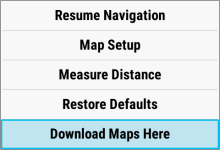
- Select
 to access additional
Map page options.
to access additional
Map page options. - Available menu selections may vary based on current activity and/or Wi-Fi connection status.
 |
 |
 |
 |
|---|---|---|---|
| [Stop Navigation] | [Resume Navigation] | [Map Setup] | [Measure Distance] |
 |
 |
||
| [Restore Defaults] | [Download Maps Here] |
Map Information
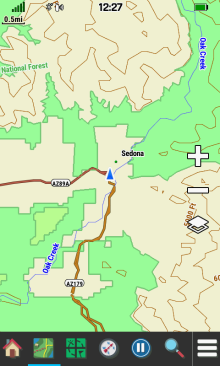
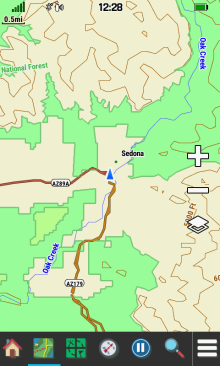
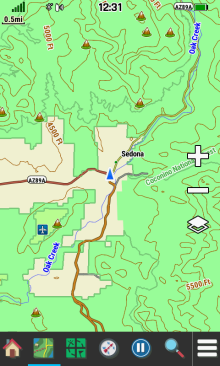
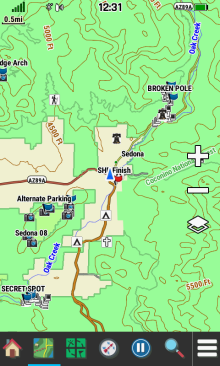
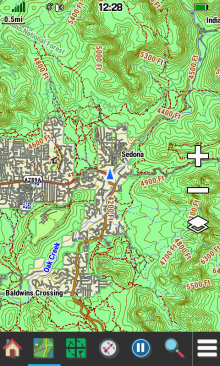
Zoom vs Detail
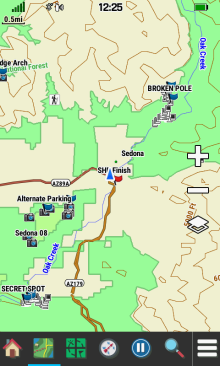
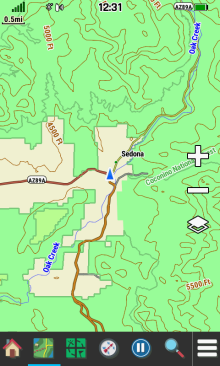
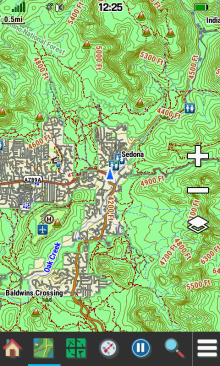
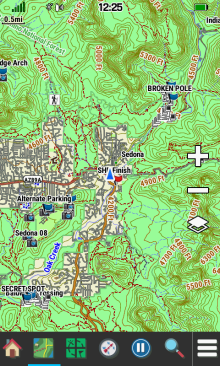
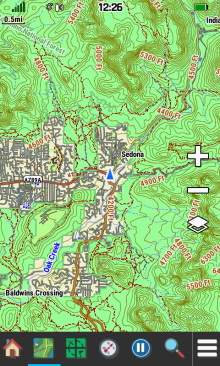
- Adjust Zoom Levels to configure when individual map items will be displayed.
- Adjust Map Detail to configure the level of detail shown on the map.
|
Least Detail |
|||
|---|---|---|---|
 |
 |
 |
 |
| Map Points | User Waypoints | Street Labels | Land Cover |
|
Normal Detail |
|||
 |
 |
 |
 |
| Map Points | User Waypoints | Street Labels | Land Cover |
|
Most Detail |
|||
 |
 |
 |
 |
| Map Points | User Waypoints | Street Labels | Land Cover |
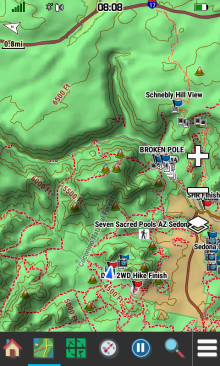
Shaded Relief
- Shaded Relief is available only when maps containing sufficient DEM data are enabled.
 |
 |
 |
 |
|---|---|---|---|
| 500 ft. | 0.2 mi. | 0.3 mi. | 0.8 mi. |
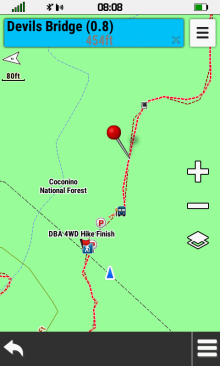
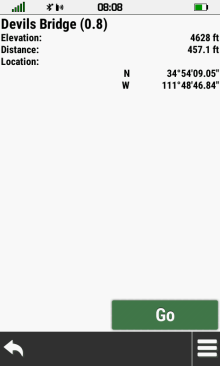
Info Box
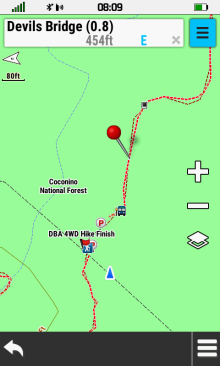
- View detailed information for selected map features.
- Mark/Save/Edit a new waypoint.
- Select a navigation destination.
 |
 |
 |
 |
|---|---|---|---|
| Touch the map to select the desired feature |
 Close Info Box |
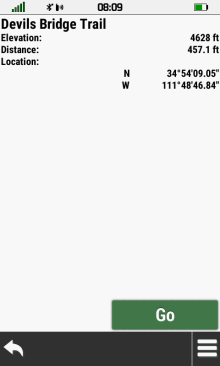
Select feature Info Box | View feature details |
 |
 |
 |
 |
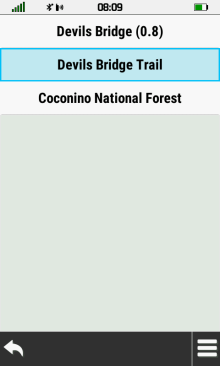
| Select feature menu to view additional selections |
View all available features for the selected location |
Choose desired feature | View feature details |
 |
 |
 |
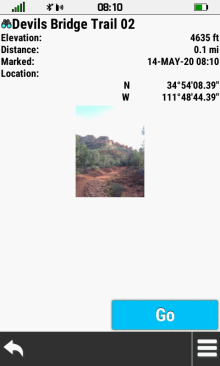 |
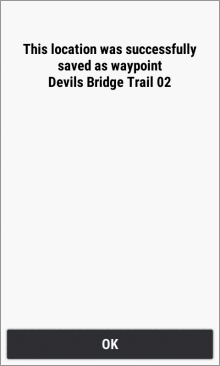
[Save as Waypoint] |
Waypoint is saved [OK] |
[Edit Waypoint] |
[Go] Navigate to selection |
Guidance Text
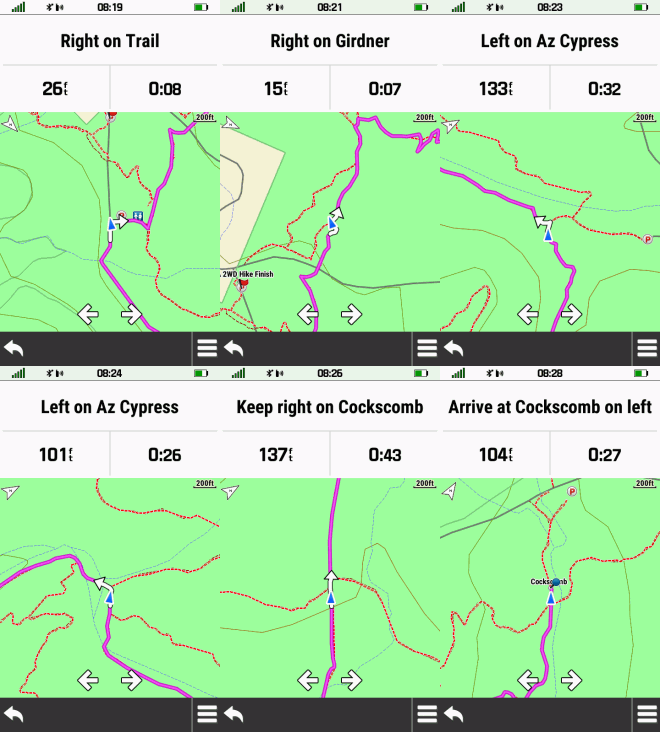
- Guidance Text helps direct you to your destination.
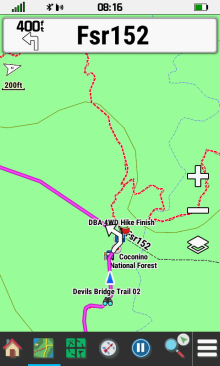 |
 |
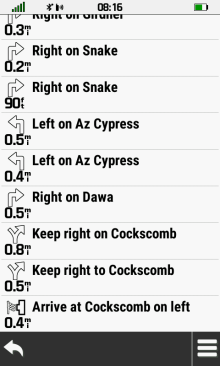 |
 |
|---|---|---|---|
| Select the approaching turn Info Box to view active route list |
View a list of turns for the active route |
Select desired turn to view detailed information |
View navigation point map and details |
 |
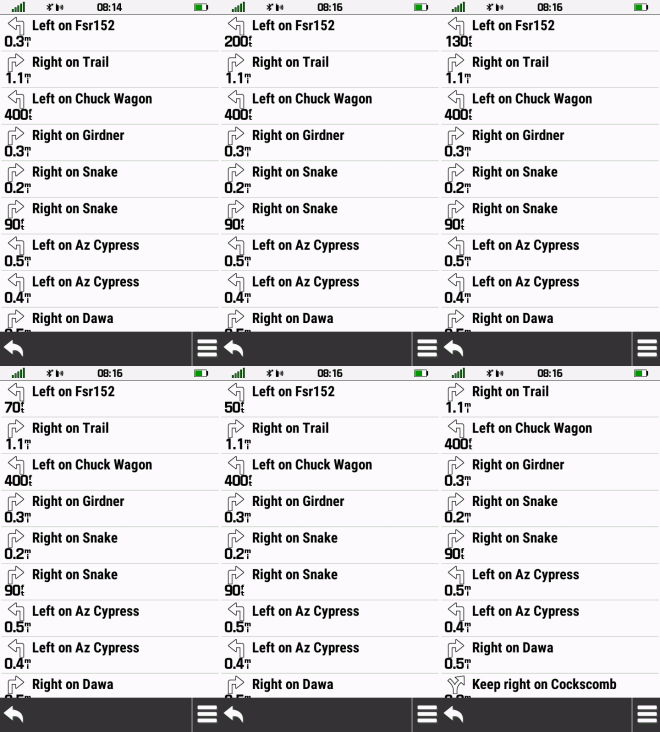 |
 |
|

 Scroll list of turns as desired |
Active Route List and Map
update automatically as you complete each turn along the route |
||
Dashboards
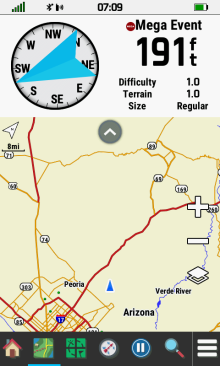
- View additional information without leaving the Map page.
- Show or hide the active dashboard when desired.
- Detailed dashboard information available in Dashboards.
- New: Firmware version 6.40 introduced a new Corner Data Fields dashboard exclusive to the Map page.
- Option Menu will include either Lock Data Fields or Unlock Data Fields selection while the Corner Data Fields dashboard is enabled.
 |
 |
 |
 |
|---|---|---|---|
Enable desired dashboard |
 Show Dashboard |
 Hide Dashboard |
Corner Data Fields Dashboard Enabled |
Measure Distance
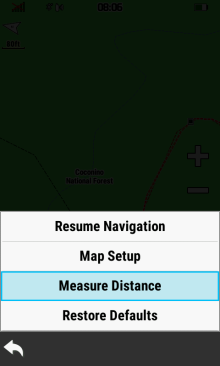
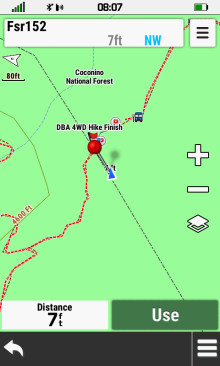
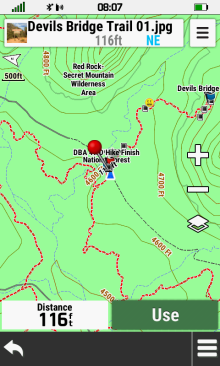
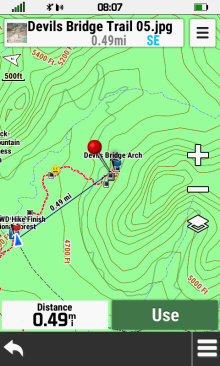
- Find the distance from your current position to any location on the map.
Direct
- Select any point on the map to view the direct line-of-sight distance to that location.
 |
 |
 |
 |
|---|---|---|---|
[Measure Distance] |
Red pin is dropped at your present location |
Pan and zoom map toward location to be measured |
Distance to
red pin is updated dynamically |
Multi-Point
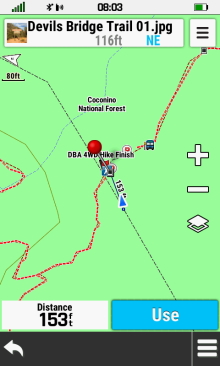
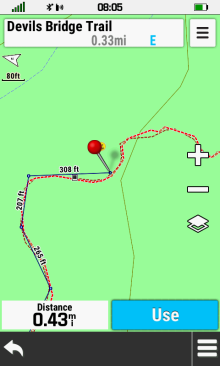
- Select multiple map locations in sequence to view their accumulated distance from beginning to end.
 |
 |
 |
 |
|---|---|---|---|
[Measure Distance] |
Pan and zoom map to first point and select [Use] |
Repeat for each additional point to be measured |
Total point-to-point distance is updated dynamically |
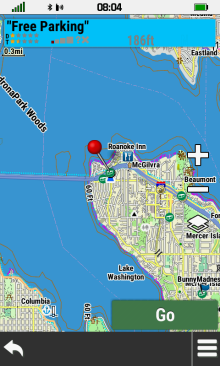
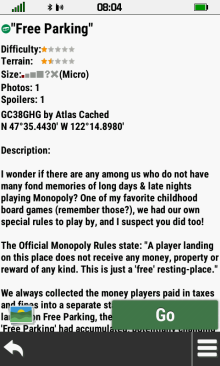
Select Map Point
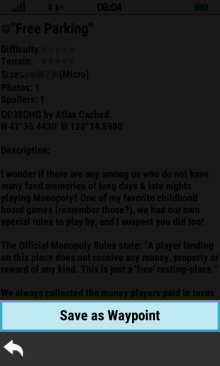
- Select a map point to view additional information, save as a waypoint, or begin navigation.
- In the following example, we will focus our attention on a geocache.
 |
 |
 |
 |
|---|---|---|---|
| Place red pin over desired map point |
Select [Go] to begin navigating to selected map point |
Select [Info Box] to view details for selected map point |
View map point information |
 |
 |
||
| Select [Go] to begin navigation |
[Save as Waypoint] |
